
To reset the Orient AC remote control all you need to do is to remove the batteries located on the lower backside of the controller. After 1-2 minutes re-insert the batteries, and turn on the remote control. It will display a screen similar to the following image below, and start in auto mode.
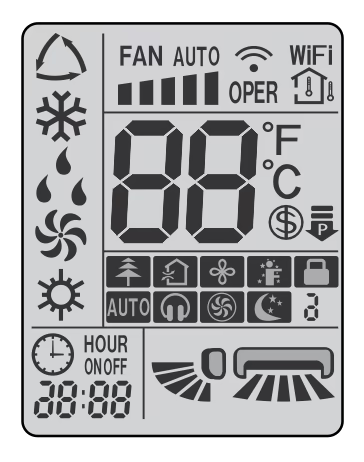
Following are the models best suitable for the method described before.
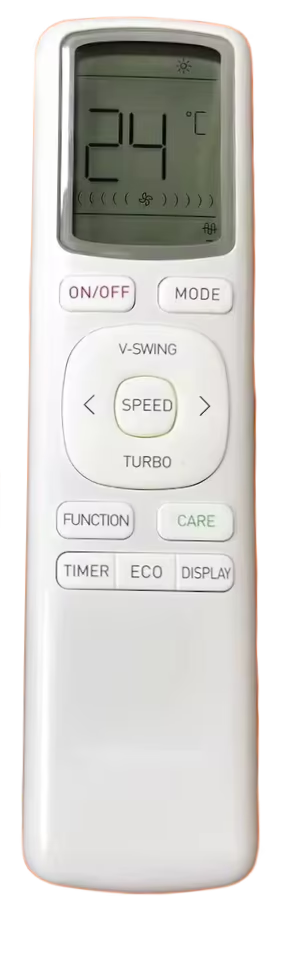
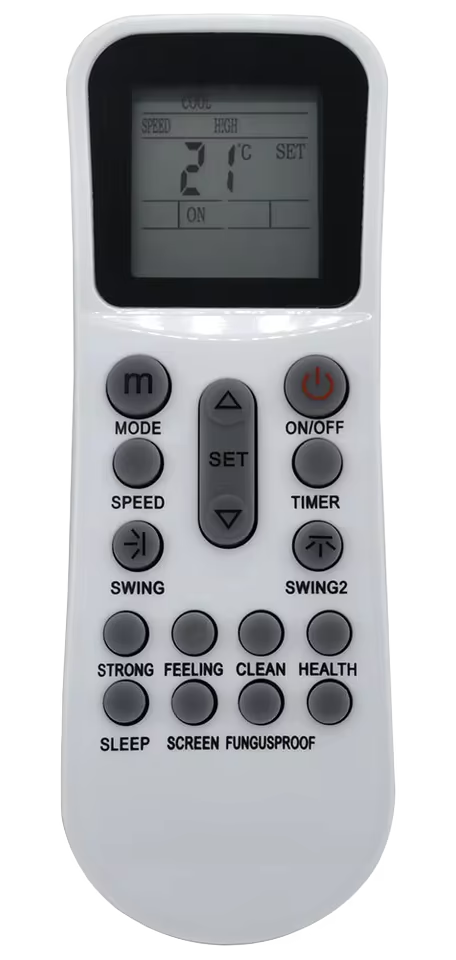
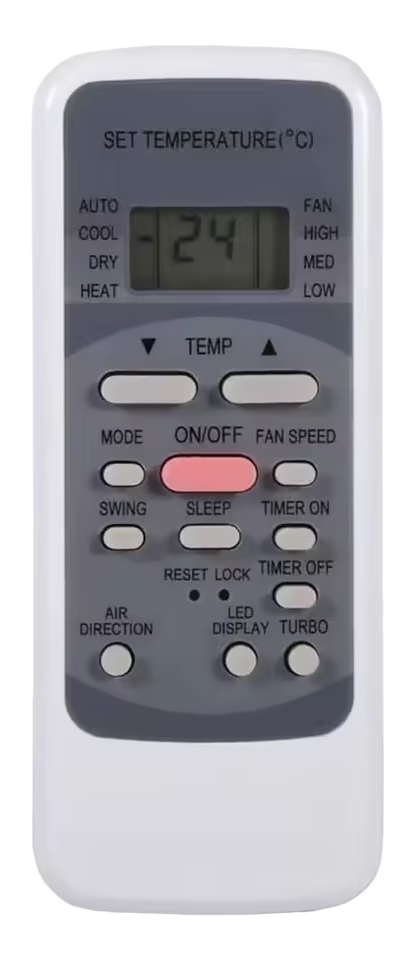
Some older models feature a pinhole style reset button in the lower middle of the remote control. To reset those you just have to press that reset button for 5 to 10 seconds, and that’s it your remote will be in factory settings. You can use a sim ejection tool to press in the pinhole reset button.

Leave a Reply