
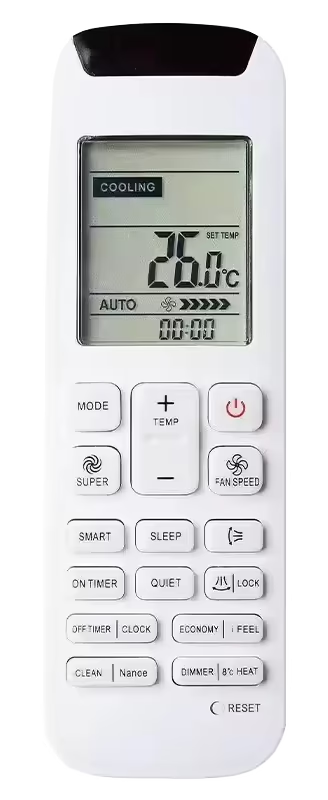
To reset the HiSense AC remote control setting to factory default, you need to look for a reset button. The reset button is located at the front, after the last row of buttons, it will be labelled as “reset”. To press the button you need to use a pencil, toothpick, or paperclip. Press it for 5-10 seconds then release. Your HiSense AC remote will be reset and start in auto mode.
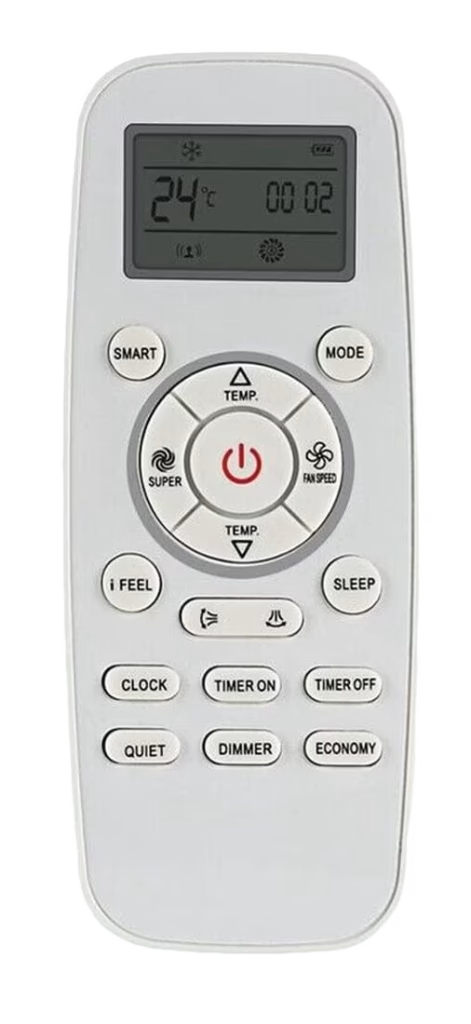
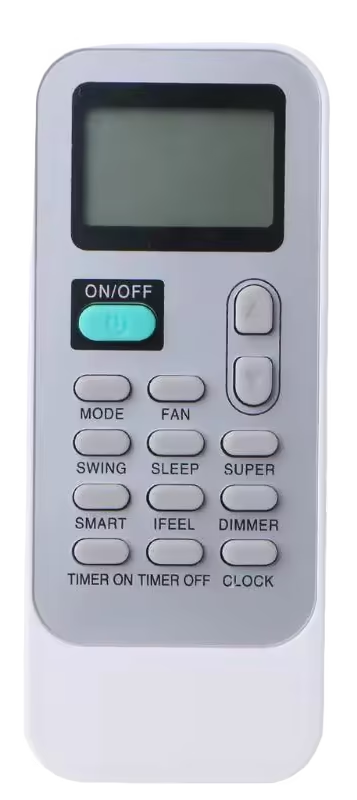
If your HiSense AC remote control does not offer a reset button as many HiSense models don’t, you can reset it using the universal method of resetting a remote control. The universal method can be applied to any brand and model. Take out the battery cells, and let it stay for at least 3-5 minutes, in that time period the controller will be drained of all energy and could not hold settings configuration, and will automatically go to factory reset settings. Then reinstall the batteries. Following are the models that will require you to use this method.

Leave a Reply