
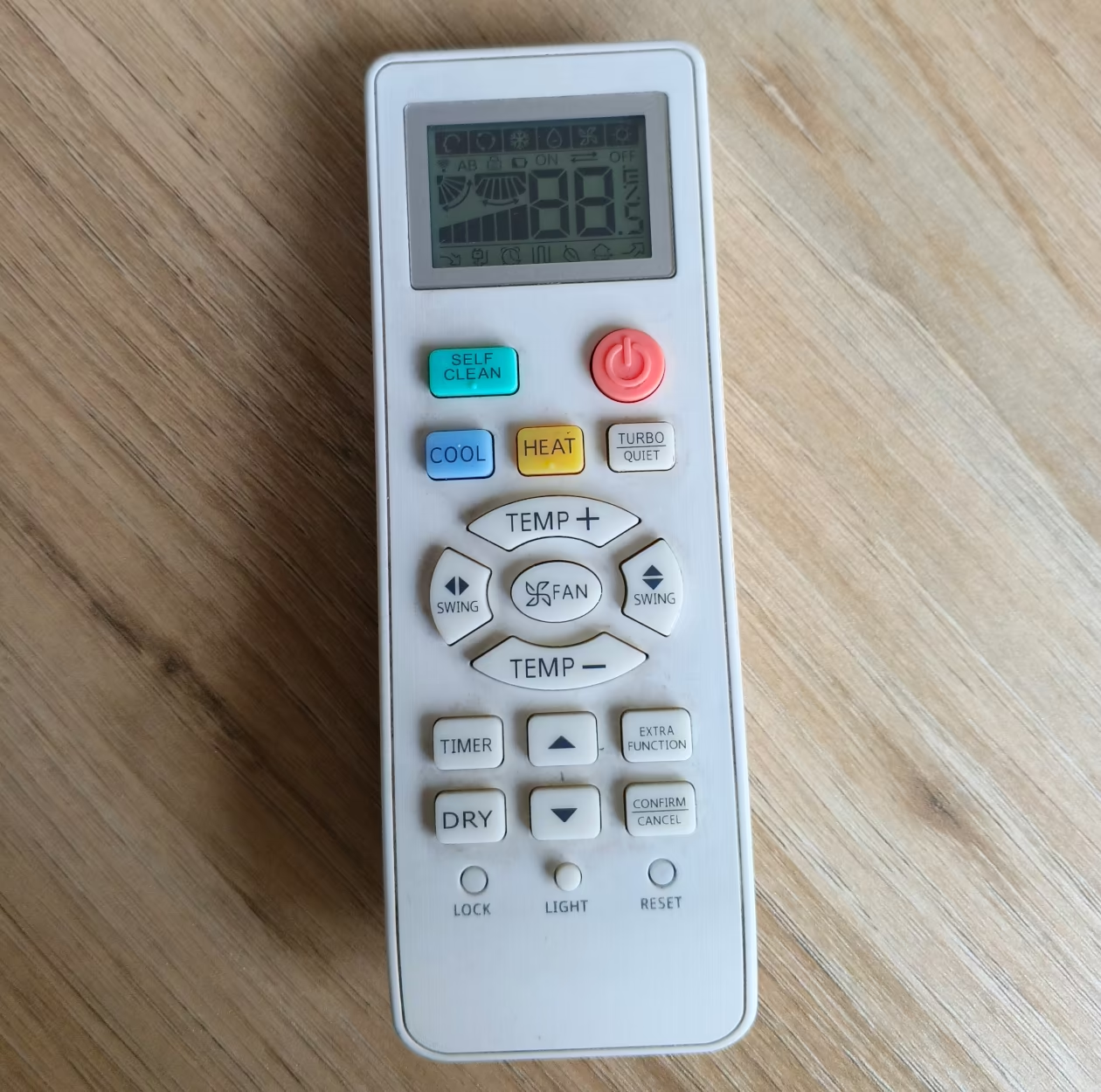
There are multiple methods to reset your AC remote control. We will share the three most common methods to reset any ac remote control settings. Not only that we shall also provide dedicated pages to different AC brand settings so that you may have a more direct approach to the solution you are looking for.
1. Remove Batteries:
The most common and which almost always works with all AC remote controls is to remove the batteries and wait for 10 seconds or more. It is most effective if you do it when the remote control is powered on. Additionally you can press the power button for 5 seconds to fully drain the power out of it. Then reinsert the batteries into the control, you will notice that all the settings are at default.
2. The Reset button:
Many AC remote controls feature a reset button anywhere on the remote (Look for your exact AC brand and model below to be precise), by pressing the button for 5-10 seconds you can reset your remote control. This is the easiest method out of all.
3. Reset Pinhole:
AC manufacturers often place a small pinhole on the front or back of your AC remote control, sometimes the word “reset” is mentioned on it. You can use a match stick, paper clip or sim ejection tool to poke in the hole, do it for 10-15 seconds and you will see your remote control will reset after that.
Company specific information for resetting remote control.
Below are the links to dedicated how to guide for every company mentioned, click on the logo to open that company reset guide.


















Leave a Reply