
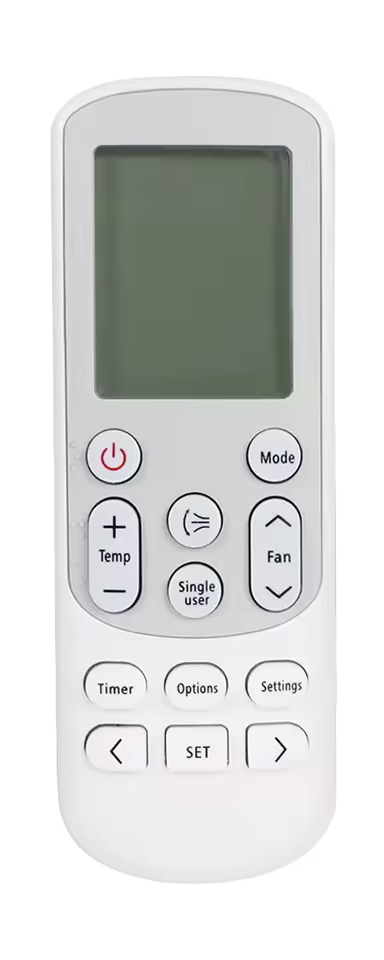
Samsung follows a minimalistic approach when designing its AC remote control. The controllers are compact in size and offer one of the smallest button range, they try to fit all their AC functions in less number of buttons. As the controller does not feature a lot of buttons, the dedicated reset button is also absent.
To reset the Samsung AC remote control to factory default settings, you need to remove the battery cells for 3-5 minutes. Do this when the remote is in powered On state. When you will reinsert the batteries the first screen will flash all the features and modes all at once, indicating a reset, and the remote will start at auto mode.
Leave a Reply