
To reset Acson AC remote control settings to factory default, you need to use the method described below.
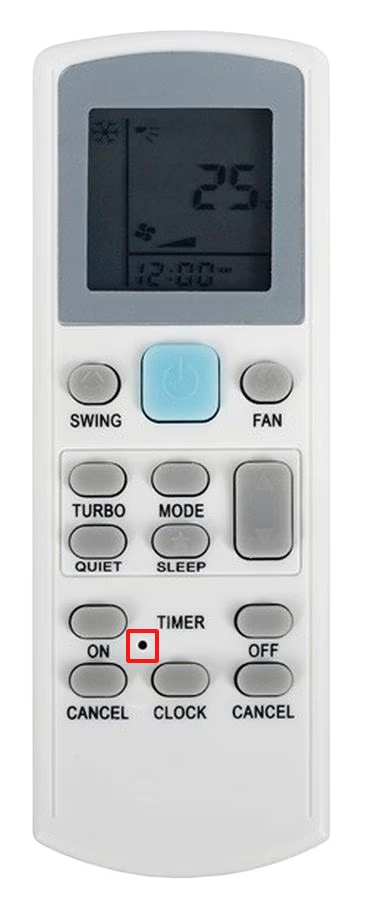
If you have a remote control that resembles the one in the image below, then use a toothpick, paper-clip or sim ejection tool to press on the reset button pinhole that is above the button labelled as “clock”. Press the button for 5-10 seconds to reset the settings to factory default.
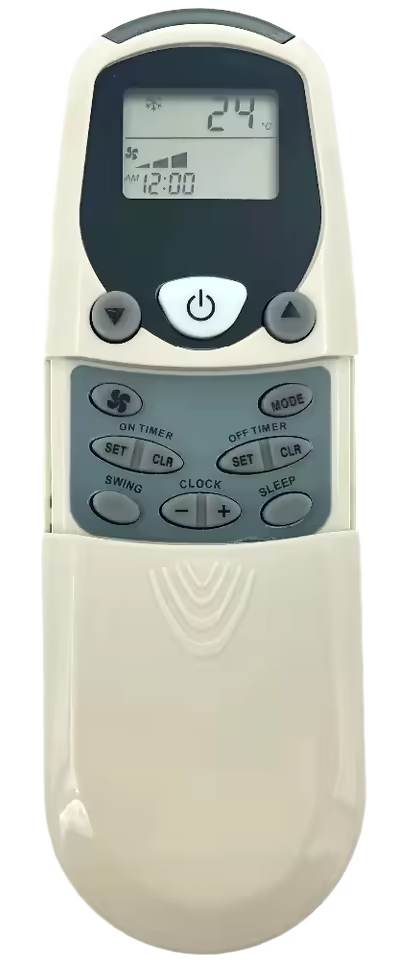
If you have any of the following Acson AC remote control in the images below. These remote controls do not feature a reset button, for these controllers we should use the universal method for the reset of settings to factory default. Remove the batteries of the controller for 2-5 minutes and then reinsert them afterwards, doing this will drain all electric power from the controller resulting in a reset. This method can be used for any Acson AC remote control, even if the model is not mentioned in this post.
Leave a Reply